Free on iPhone
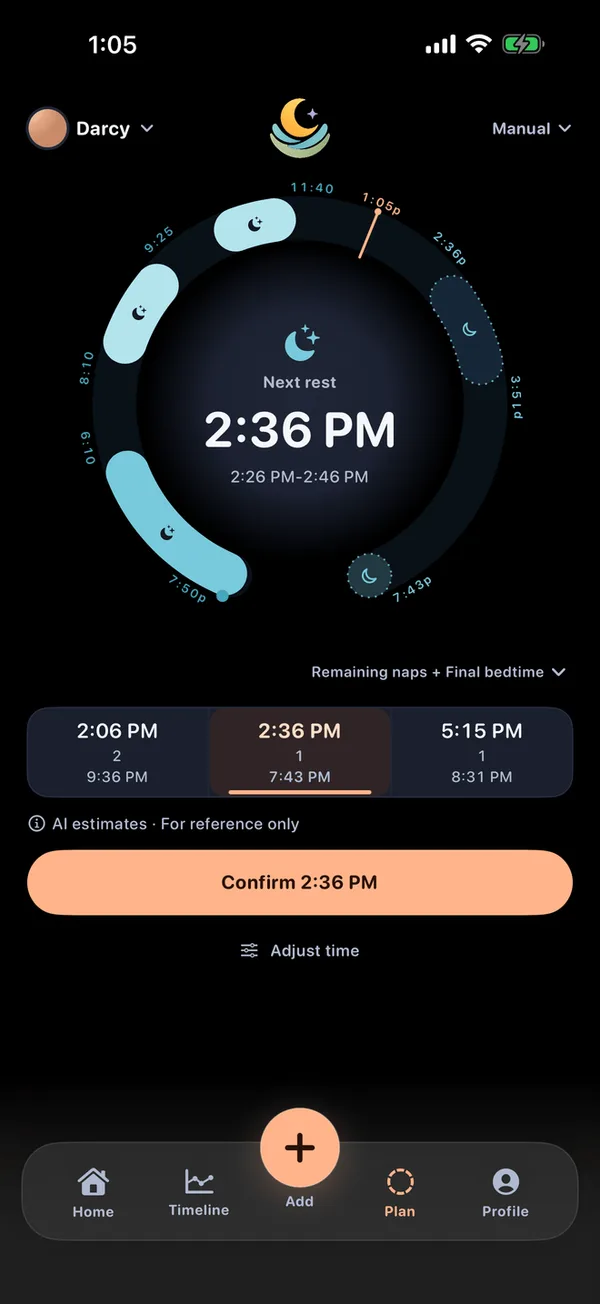
Know when the next rest is likely coming.
LumaNest predicts your baby's next rest on your iPhone. Local logging and personalized prediction work offline with no account; optional Cloud Sync is enabled only when you choose it.




What LumaNest does
Available for parents and caregivers tracking children from birth through age 3.
Sleep & on-device prediction
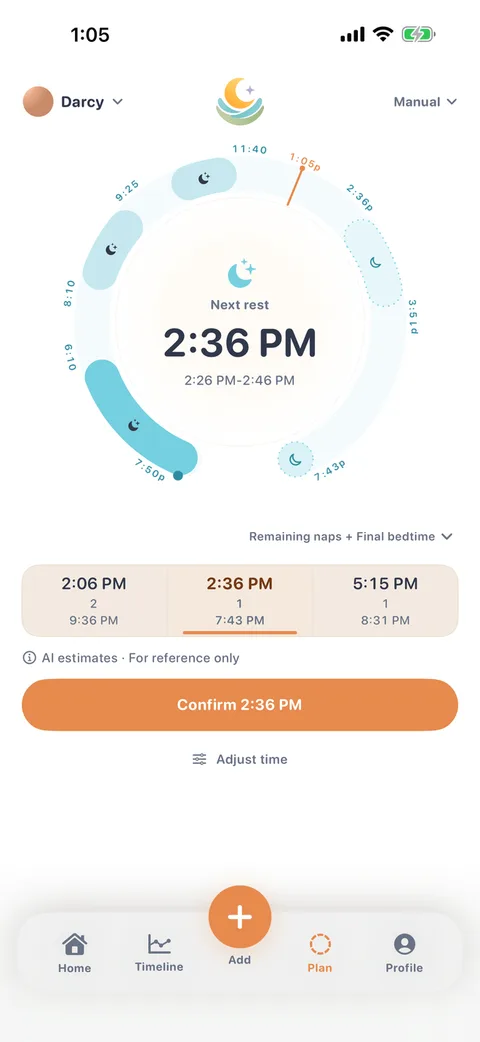
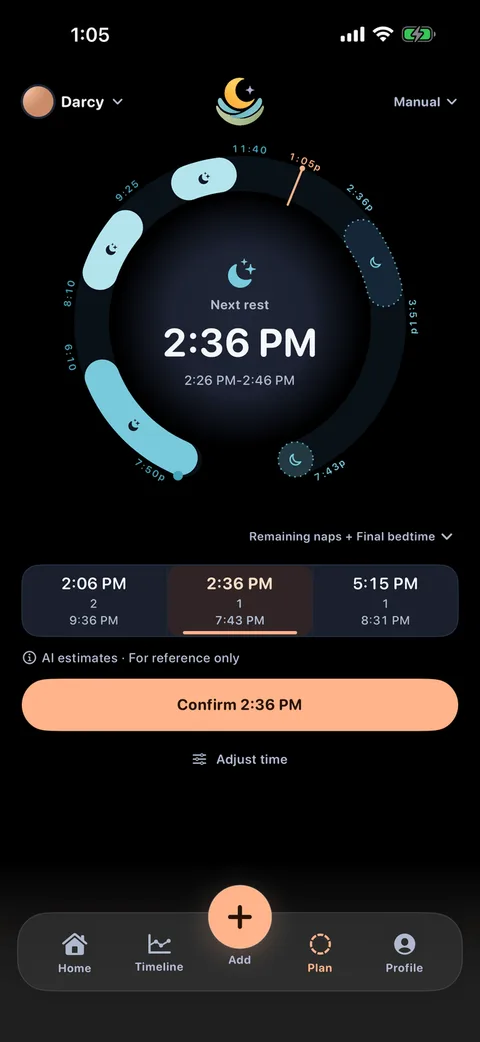
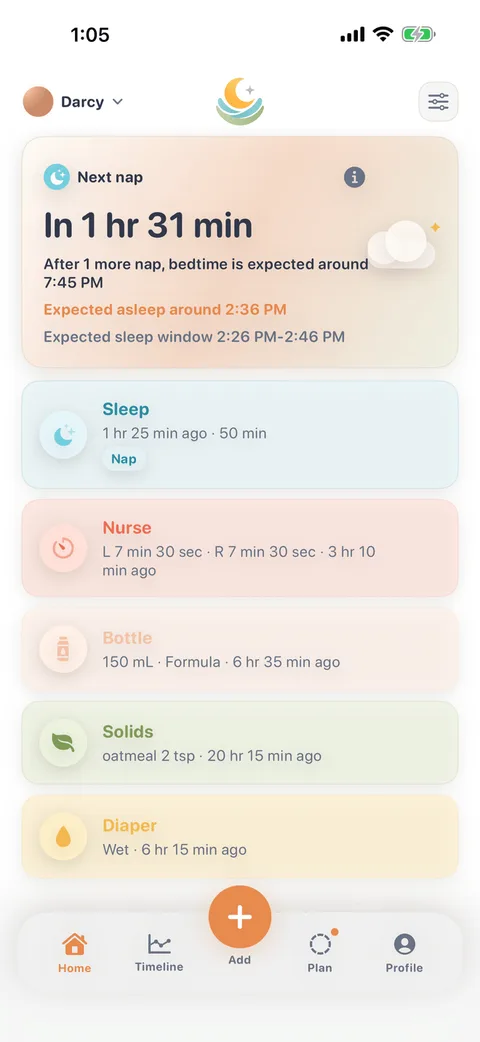
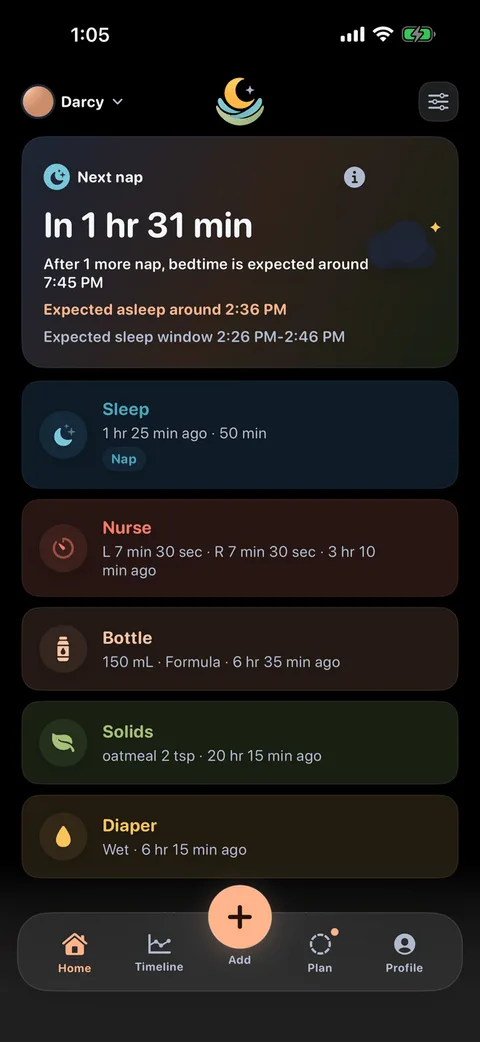
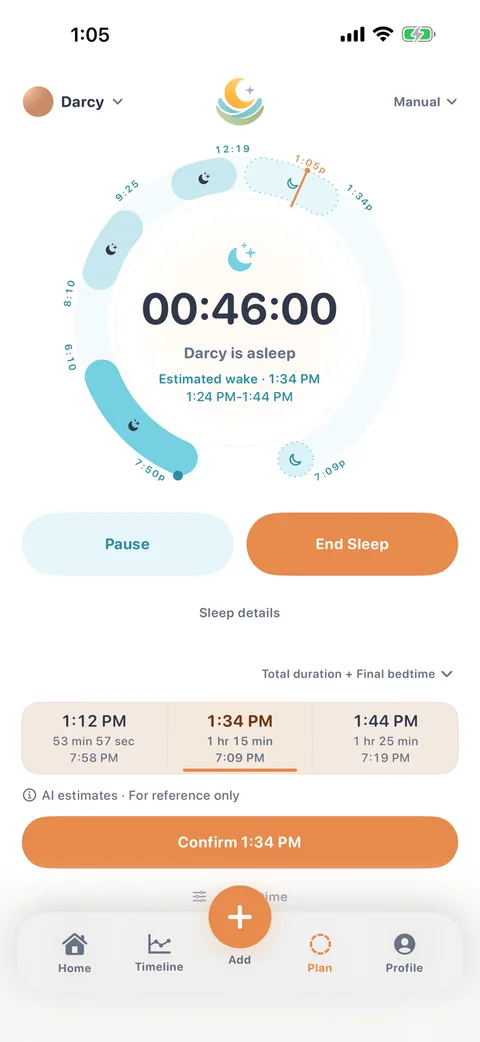
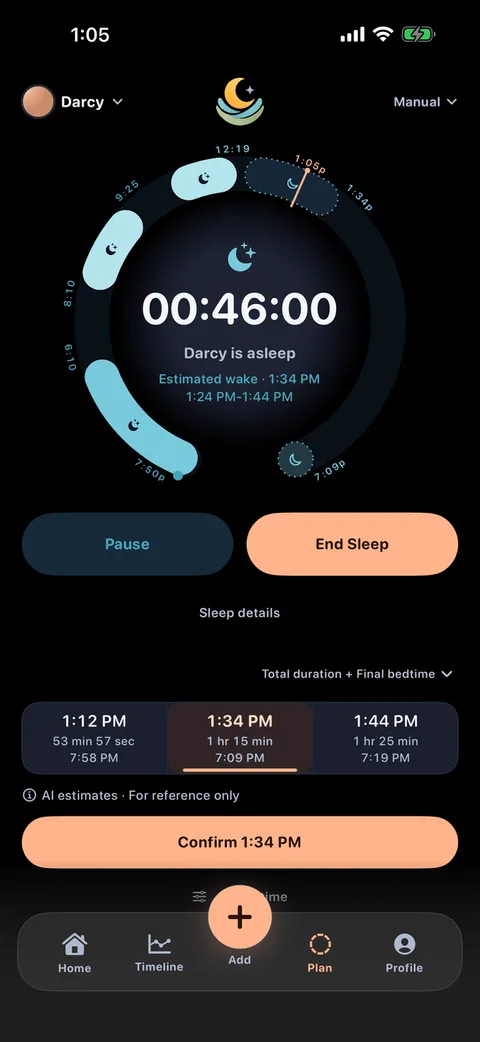
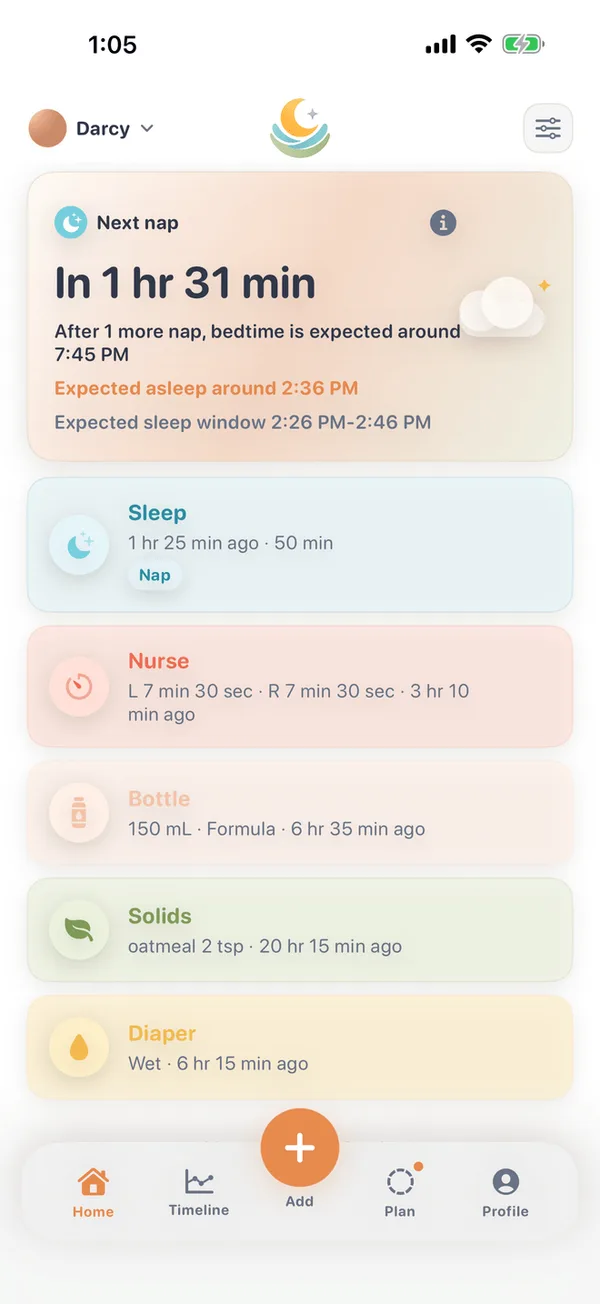
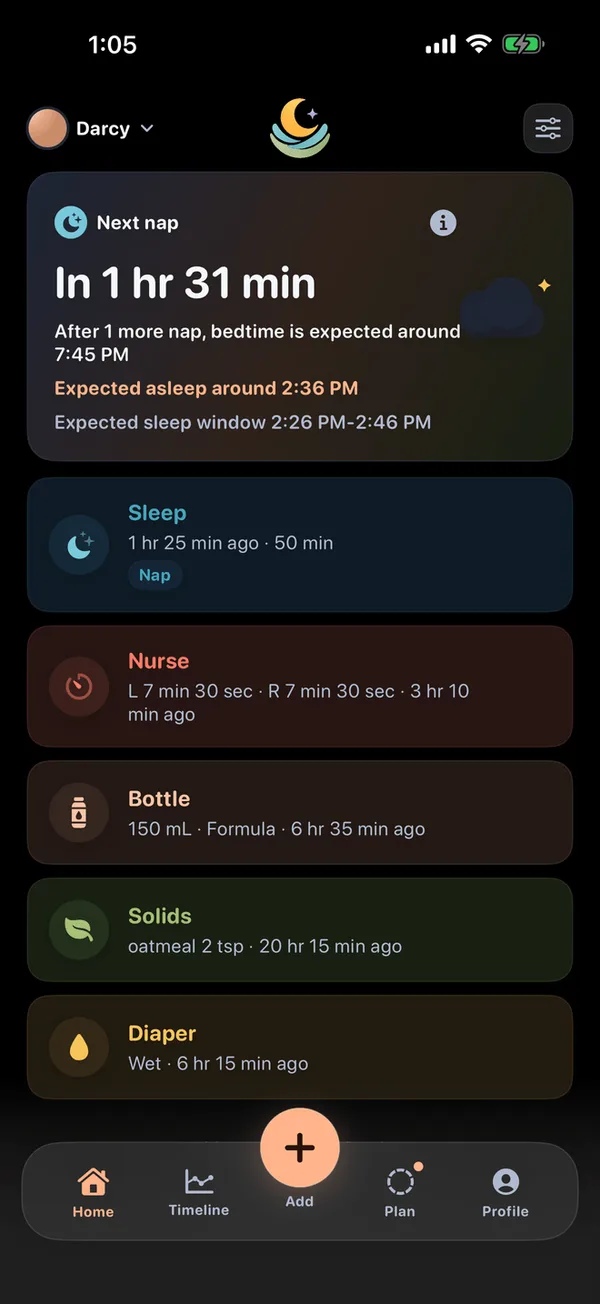
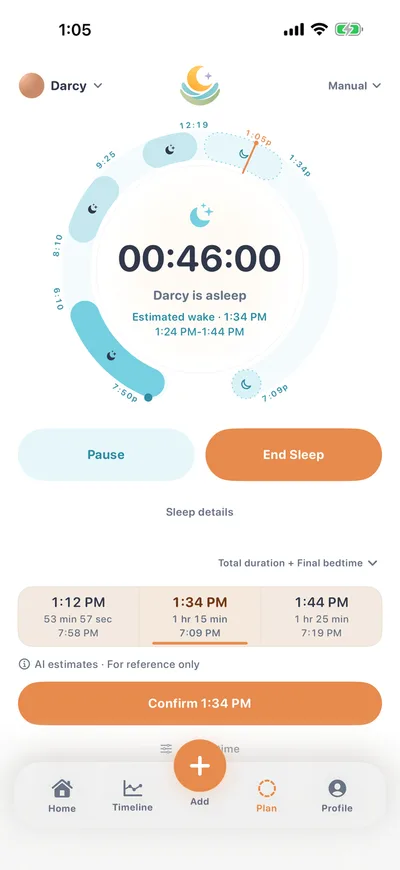
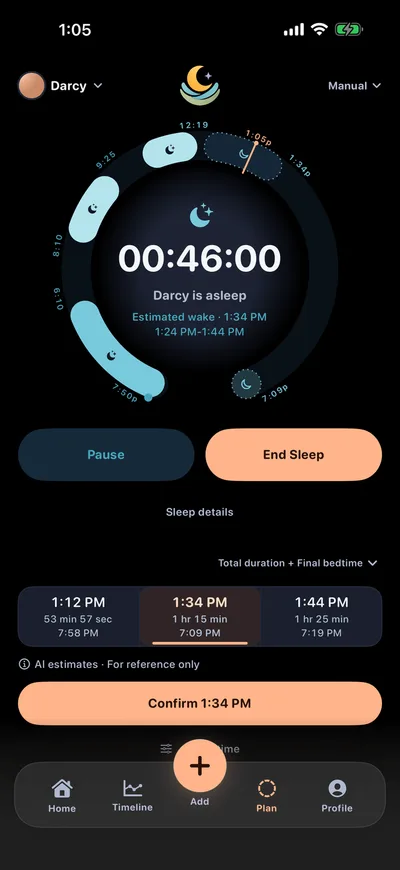
Track naps and nights, and see the predicted next rest window plus the expected wake time for an in-progress nap. Each baby's personalized prediction model runs on your device.
Nursing
Nursing timers you can start from Quick Add or the in-app nursing flow.
Bottle
Log a bottle and its amount in a couple of taps.
Solids
Log solid meals with the food presets, or add your own.
Diapers
Log a diaper quickly: choose Wet, Dirty, or Both, then save - designed to stay out of the way at 3am.
Widgets, App Intents & Live Activity
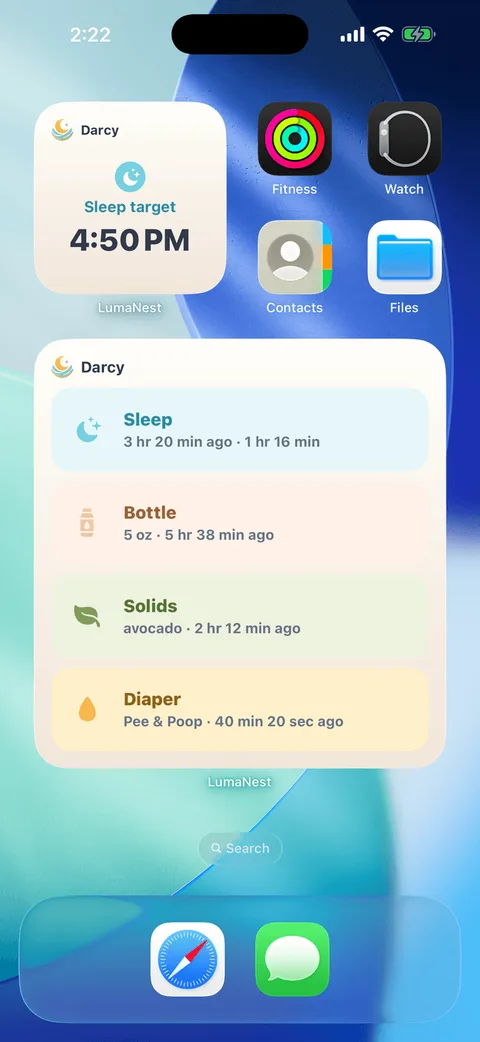
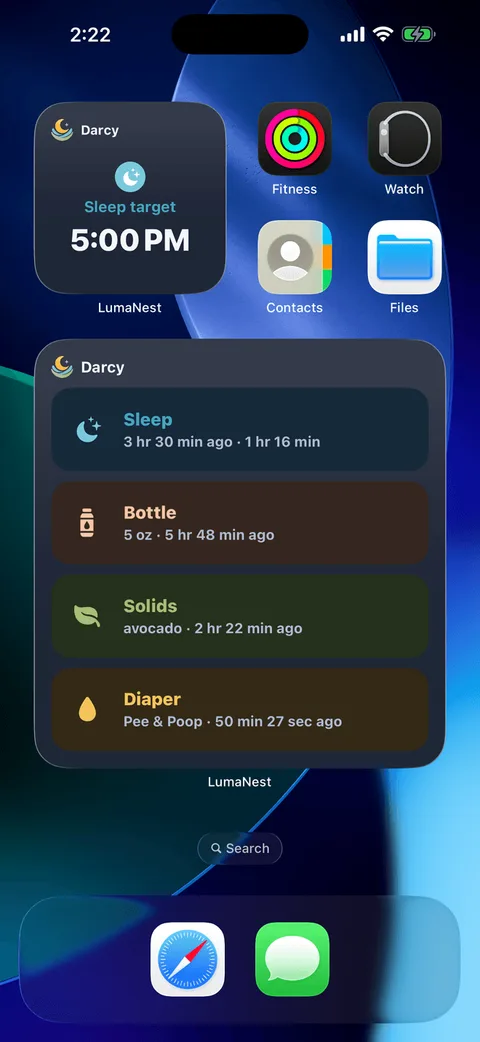
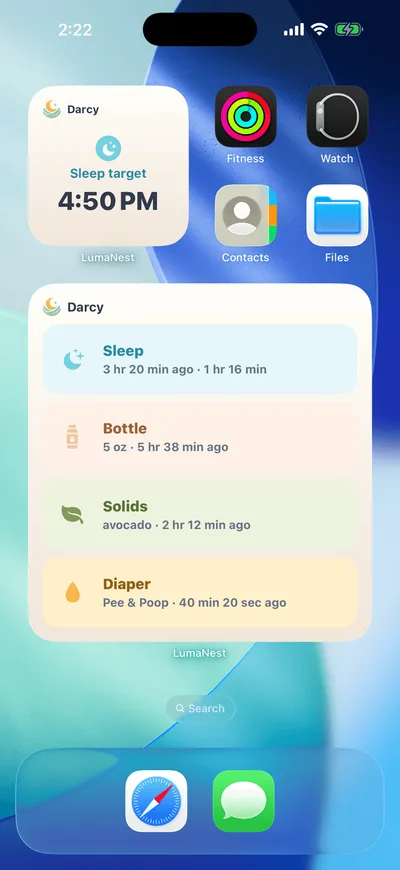
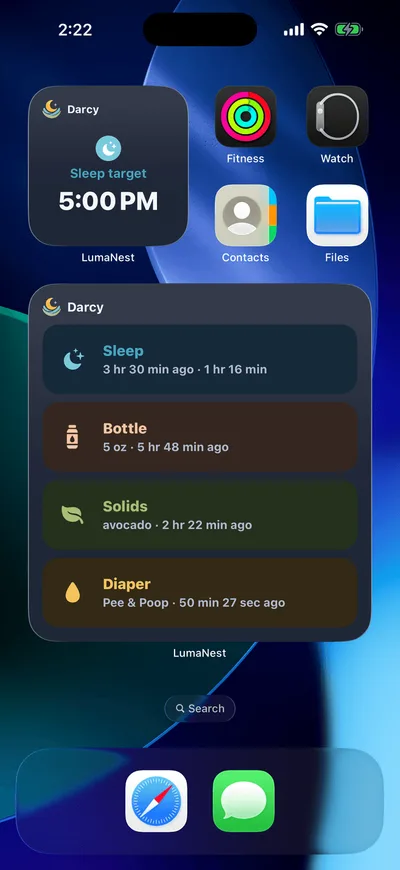
Home Screen widgets cover sleep, next-rest prediction, and - on the large widget - bottle, solids, and diaper shortcuts. Lock Screen accessory widgets are sleep and prediction only. Also: App Intents and a Lock Screen Live Activity timer for a sleep in progress. These system surfaces are unlocked with LumaNest Plus.
Trends & import
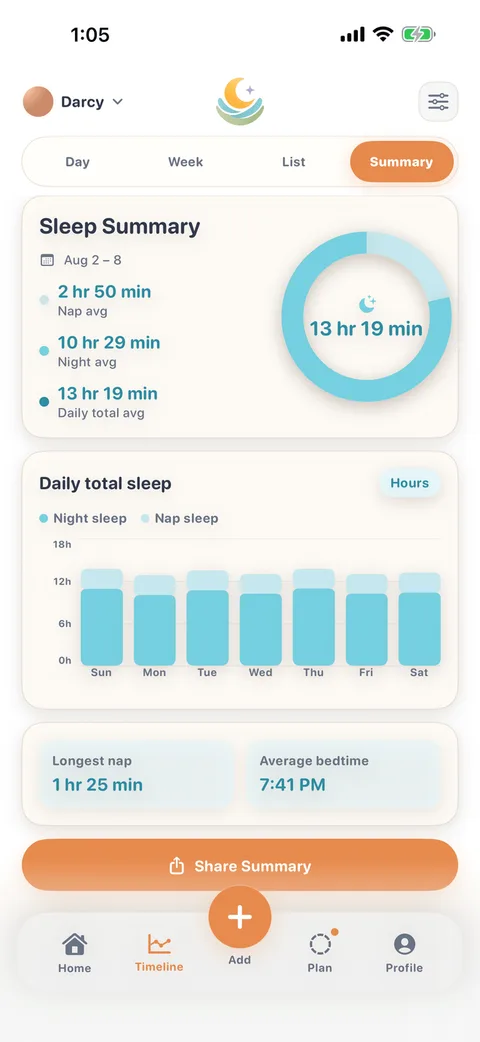
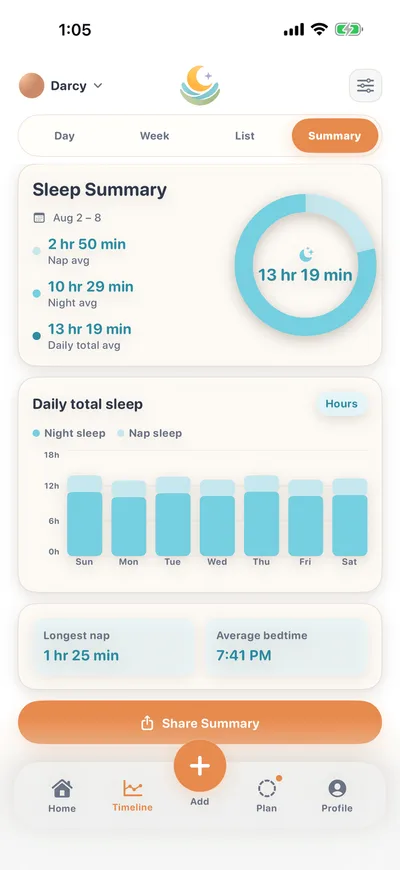
Day, Week, List and Summary views, multi-baby profiles, plus import from compatible activity CSV files.
Private by default
LumaNest is local-first: logs and personalized prediction stay on your device unless you explicitly enable optional Cloud Sync after signing in. When enabled, synchronized profiles and care records are stored on LumaNest's backend and sent to your authorized devices.
A look inside
Real frames from the current build. Times and entries come from a sample profile, not from a real baby's records.
Quick answers
A few of the questions parents ask first. More detail lives on the FAQ page.
- Do I need an account?
- No. Local logging and personalized on-device prediction work offline without signing in.
- Is sleep prediction medical advice?
- No. Predictions are caregiving references only - not diagnosis, treatment, emergency support, or a guarantee. Talk to a qualified professional about health concerns.
- Does signing in upload my data?
- No. Signing in identifies your account. Existing local records are uploaded only after you separately enable Cloud Sync and confirm the local-to-cloud setup.
- How do I delete my account?
- Open Profile → Account → Delete Account, reauthenticate, and confirm. You can keep local-first data on that device or clear it after the request is accepted.